

Capturing Keynotes, Panels & Networking: Best Practices for Event Filming
Quick Summary
To capture events well, you need planning and proper gear. Keynotes, panels, and networking all need different filming approaches. Good visuals and audio create a strong impact.
Introduction
Event video production goes beyond basic recording. These videos reflect real feelings and events. Each moment adds to the story. It covers keynotes, panels, and networking. The flow stays simple and strong.
Good capture needs planning and skills. Bad camera angles or low audio can affect results. In this guide, we explain how to film keynotes, panels, and networking sessions. Everything is covered in a simple and professional way.
Event Coverage Breakdown
Different parts of an event serve different goals. Each one needs a unique way of filming.
Keynote Sessions
A keynote session has one speaker presenting key insights. Use clear visuals. Ensure clean sound. Record facial expressions and tone. Include audience responses. Keep the setup simple. Prevent any distractions or interruptions.
Panel Discussions
Panel discussions include several speakers at once. Record multiple angles and reactions. Use clear and steady audio. Focus on smooth conversation flow. Record each speaker clearly for better message clarity.
Networking Moments
Networking moments are casual and natural. Event moments like talks, greetings, and interactions feel more human. Capturing them needs a calm, flexible, and careful approach.
Pre-Event Planning for Successful Filming
Event filming needs strong planning to succeed. Review the full schedule and important sessions. Go early to check the lights and sound setup. Coordinate with the team and speakers.
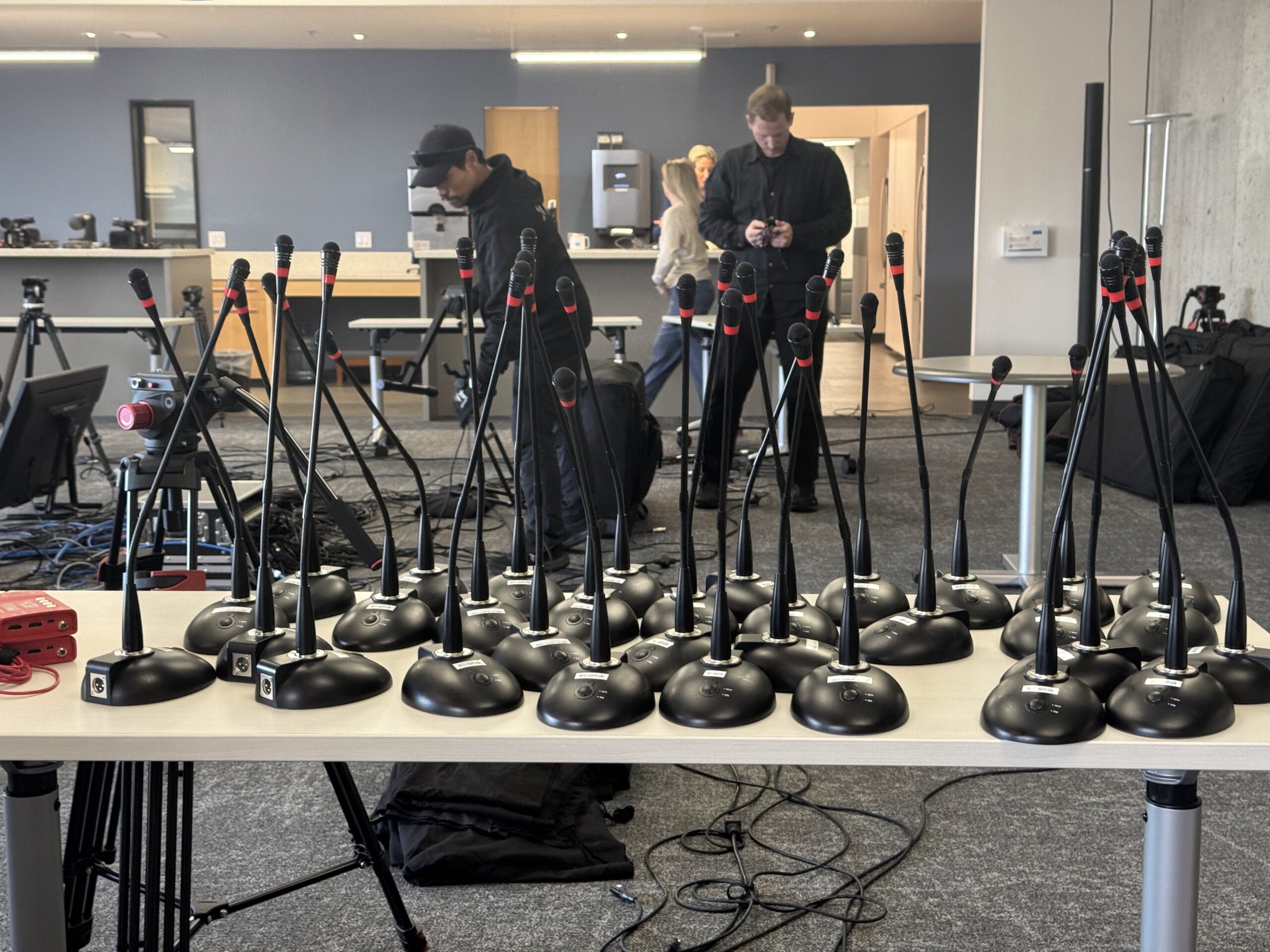
Set camera positions and check equipment. Make a clear list of shots. Planning ahead lowers stress and makes sure you don’t miss any important moments.
Best Ways to Capture Keynote Sessions
Filming keynote sessions requires precision and focus. Every detail matters to ensure a professional output.
-
Use Multiple Camera Angles
Using multiple cameras improves coverage quality. One camera focuses on the speaker. Another captures wide shots or audience reactions. This creates dynamic footage and allows better editing options later.
-
Ensure Clear Audio Capture
Keynote speeches need good sound. Wireless or lapel microphones give clear audio. Avoid depending on camera audio only. Good sound helps viewers understand better.
-
Focus on Speaker & Crowd
Record the speaker and the crowd together. Show reactions like clapping and interest. These clips add feeling and depth. They help the video feel more real and engaging.
-
Professional Stable Footage
Keep the camera steady using a tripod or stabilizer. Do not use shaky shots during filming. Stable footage feels more professional. It keeps attention on the speaker.
-
Perfect Framing Setup
Always keep the speaker centered. Maintain correct headroom. Avoid busy backgrounds. Clean framing improves the look of the video and helps viewers stay focused on the message clearly.
Best Ways to Capture Panel Discussions
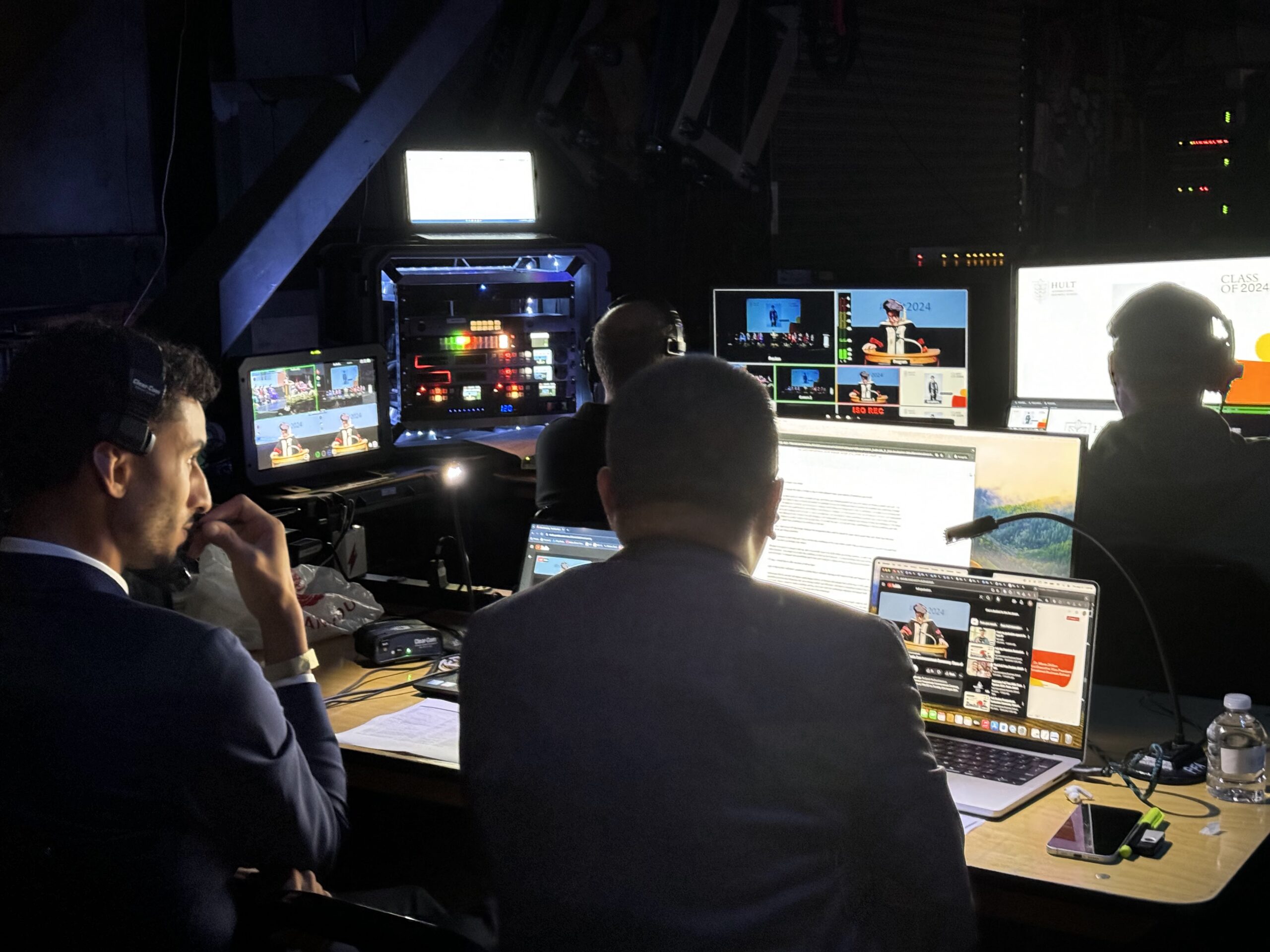
Panel discussions require careful coordination. Multiple speakers and interactions make filming more complex.
-
Capture All Speakers Clearly
Ensure every speaker is visible. Use multiple cameras or adjust angles. Avoid missing important moments. Clear visibility helps viewers follow the discussion easily.
-
Use Wide and Close Shots
Wide shots capture the whole panel. Zoom in for clear speaker shots. Use different angles for better flow. It makes the video more engaging.
-
Managing Audio for Groups
Use separate microphones for each speaker. Balance audio levels during recording. Clear sound ensures every voice is heard without confusion or overlap.
-
Highlight Key Interactions
Film discussions and debates are conducted in a clear way. Focus on real speaker interactions. Capture natural reactions during the event. This makes content more engaging and useful.
-
Work with Moderators
Coordinate with the moderator before filming starts. Learn the discussion flow. This allows you to anticipate important moments and record them properly.
Best Ways to Capture Networking Moments
Networking footage adds life and authenticity to event videos. It shows real connections and experiences.
-
Film: Natural and Candid Interactions
Record real moments naturally. Avoid staging scenes. When people feel comfortable, interactions look authentic and boost audience connection and engagement.
-
Use Lightweight and Mobile Equipment
Choose compact cameras and stabilizers. They help smooth movement. You can film different moments without interrupting the event flow.
-
Maintain Natural Flow
Be careful while filming. Avoid distraction or interruption. Respect personal space always. This ensures natural scenes and better quality shots.
-
Capture Brand and Event Atmosphere
Capture branding like logos and banners. Film venue, lighting, and audience. These elements create context and a strong event story.
-
Capture True Expressions
Record smiles, handshakes, and laughter. These small moments bring emotion. They make videos more relatable and visually appealing.
Equipment and Setup Tips
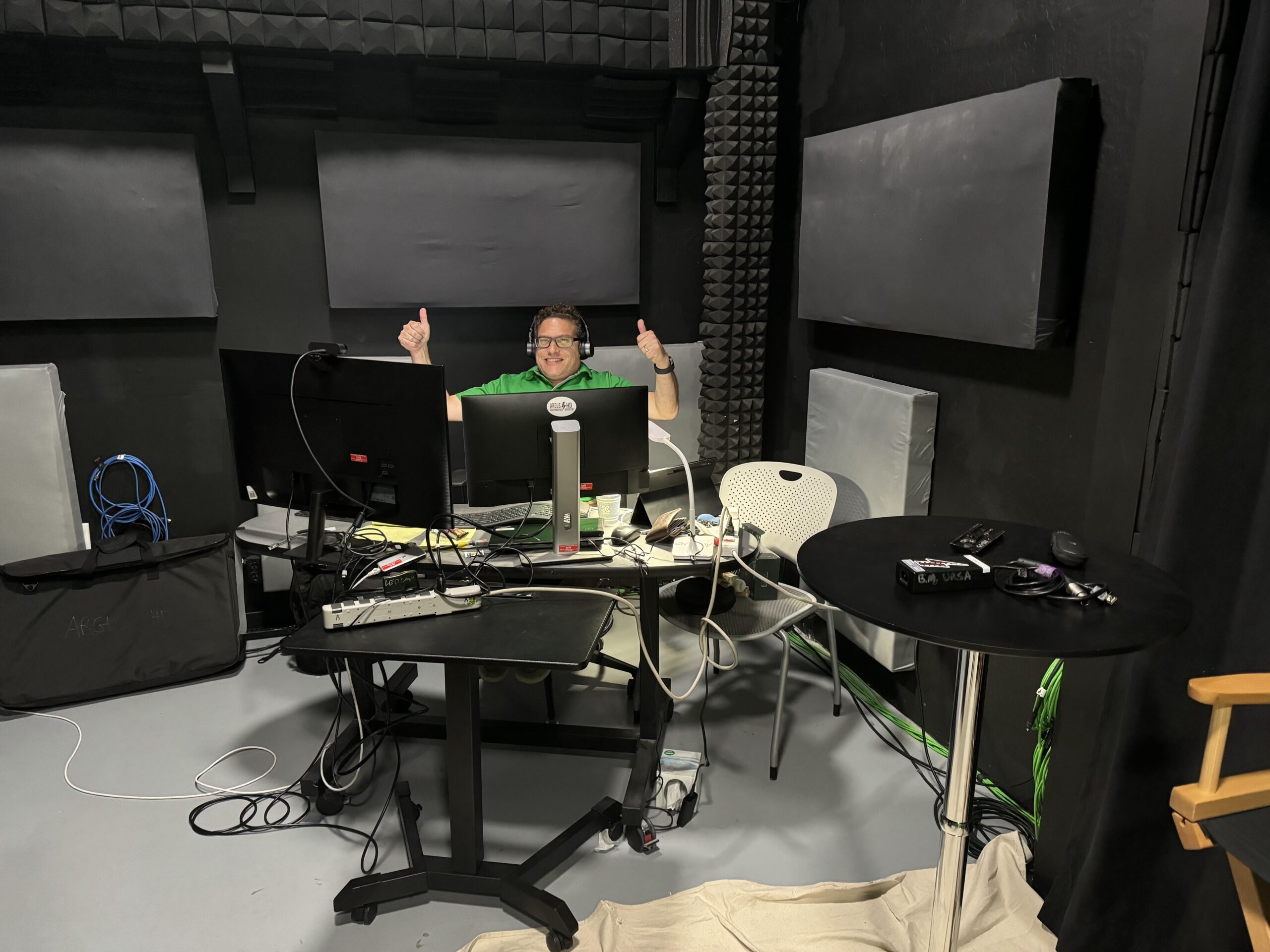
Good equipment is important for quality event video. Choose cameras and tools that match your event requirements properly.
-
Cameras and Lenses
HD cameras give clear footage. Select lenses by shooting distance and framing needs. Zoom lenses work best for large event spaces.
-
Microphones and Audio Gear
Use lapel, handheld, or shotgun microphones. Good audio equipment ensures clarity. Always monitor sound levels during recording to avoid issues.
-
Lighting Setup
Add external lights if required. Keep lighting balanced. Avoid harsh shadow areas. Stop overexposed parts. Good light makes videos clear.
-
Stabilization Tools
Use tripods, gimbals, or monopods. Keep footage steady. This looks professional and improves the editing and viewer watching experience overall.
-
Backup Equipment
Keep backup batteries, cards, and cables ready. Problems may occur anytime. Being prepared helps you film without interruption easily.
Post-Production Tips for Event Videos
Editing transforms raw footage into a story. Begin by arranging clips in order. Delete unnecessary parts. Keep important moments only. Enhance audio for clear sound. Correct colors for a polished look.
Insert transitions, captions, and branding. Add light background music. Keep the video short and focused. Strong editing creates engaging and memorable content for better audience reach.
Common Mistakes to Avoid
Avoid these mistakes to ensure good-quality event videos. Like,
- Poor sound affects understanding.
- Shaky footage appears without stabilization.
- Important moments get missed.
- Too many effects reduce quality.
- Ignoring lighting harms the video.
- Blocking the audience’s view is wrong.
- Equipment testing is skipped.
- Backup footage is not captured.
Tips to Maximize Event Video Impact
Follow these tips to make your event videos more effective and engaging.
- Plan according to event timing.
- Focus on storytelling over recording.
- Use mixed shot types.
- Ensure strong, clear audio.
- Keep videos short and engaging.
- Add captions for better reach.
- Highlight key ideas.
- Optimize for platforms.
Conclusion
To film events well, keynotes, panels, and networking must be handled differently. Each moment needs planning and the right technique.
Good preparation improves the final result. Clear visuals and strong audio are very important. Editing shapes the final story in a smooth way.
Brands use event videos to share messages and connect with audiences. Focus on creativity and consistency. This ensures professional videos with lasting impact.
FAQs
What is the ideal video length for event coverage?
Short highlights work best. Keep videos 1–3 minutes for engagement.
How many videographers are needed for large events?
Usually, 2–4 videographers are enough. It depends on event size and coverage needs.
Is permission required to film attendees?
Yes, in many cases. Use consent forms or event notices for legal safety.
How do I avoid background noise issues?
Use quality microphones and monitor audio. Record in controlled areas when possible.
Can event videos be used for marketing campaigns?
Yes, they are highly effective. They boost engagement and promote your brand easily.