Why a Project Brief Beats an RFP for Video Production? (+ Free Template)
Summary
A project brief is an easy way to plan videos. It explains goals clearly and cuts extra paperwork. It builds teamwork and allows more creative freedom than an RFP.
Introduction
Video production is key in marketing. Brands use clear and engaging videos to connect with their audience. But before the cameras start rolling, you must clearly tell the video team what you need.
Many businesses use an RFP for video production services. Others use Project Briefs. While both aim to share project details, they are not the same. In fact, a project brief often works better than an RFP.
This blog explains why a project brief often beats an RFP video production approach.
What is an RFP?
An RFP is a formal document that companies issue when they want vendors to bid on a project. It usually includes timelines, criteria, fixed scope, legal clauses, formats, and often many constraints.

They are common in large orgs, the public sector, when you want competitive bidding. But in creative projects, RFPs often fail to capture the nuance.
What is a Project Brief?
A project brief is a simpler document. It explains what you want, why, who for, where the video will run, what style, tone, budget range, timeline, and what success looks like.
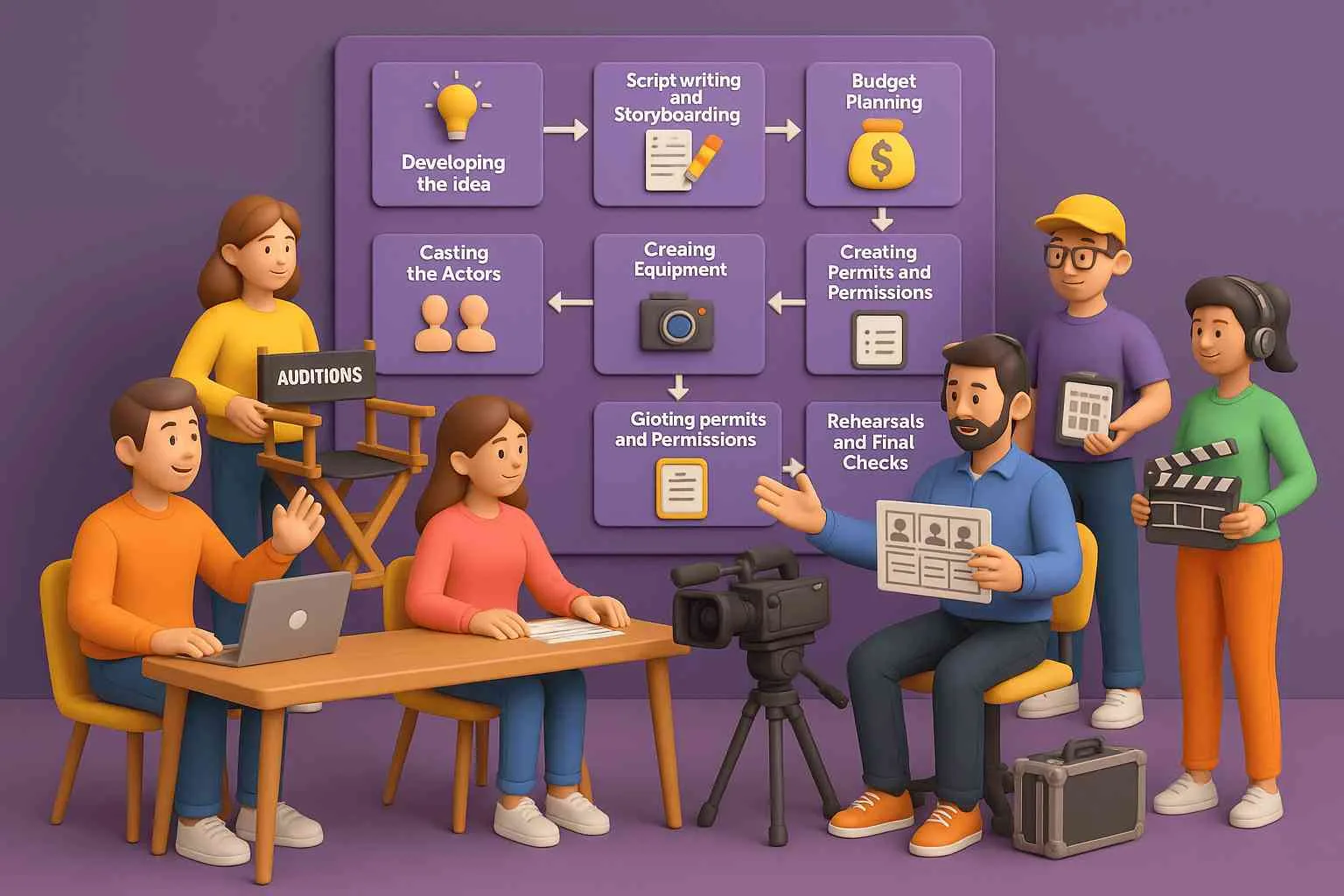
It focuses on intention rather than strict deliverables. It’s a guiding document, not a bidding sheet. It allows creative collaboration.
Main Benefits of a Project Brief over RFP
Here are the main benefits of using a project brief before or instead of an RFP video production.

-
Encourages Creativity
RFPs are full of rules and limit creativity. Agencies focus on answers, not ideas. A project brief gives freedom to think, inspire, and suggest better solutions. In video production, creativity changes everything.
-
Saves Time for Everyone
RFPs take weeks to write and review. They slow down the process. A project brief is faster. Agencies understand goals quickly and share clear ideas. It speeds up planning and production.
-
Builds Better Collaboration
An RFP feels like a simple deal focused on cost. A project brief builds teamwork and trust. It creates real collaboration between client and agency, leading to more creative ideas and better videos.
-
Focuses on Goals, Not Just Numbers
A video’s success depends on story, not just budgets or proposals. A project brief helps everyone stay aligned on “why this video matters.” It keeps the focus on results, not just paperwork.
-
Gives Agencies Room to Propose Unique Solutions
RFPs make every agency reply the same way. A project brief gives freedom to show creative strengths. One may suggest animation, another live-action. You get more unique and creative options to choose from.
-
Easier for Small and Medium Businesses
Writing a full RFP takes resources. Small businesses may not have the staff or time for that. A project brief is simple, clear, and fast. It’s perfect for teams that want results without drowning in paperwork.
-
Better for Long-Term Relationships
RFPs make agencies see projects as one-time bids. A project brief builds trust and values creativity. It encourages teamwork and long-term partnerships where agencies understand your brand better and deliver stronger results.
How to Write a Winning Video Project Brief?
Below is a guide to structure your brief. (Later, you will get a template.)
-
Project Overview
Describe in simple terms what the video is and why you are doing it. Give context like company, campaign, audience challenges, and goals.
-
Objectives and Goals
What do you hope to achieve? More signups? Brand awareness? Better conversion? Keep it specific and simple.
-
Target Audience
Who should watch this video? Detail demographics, attitudes, needs, or problems. The more precise, the better the creative can connect.
-
Key Message and Story Idea
Pick one strong message for your audience. Support it with clear points or evidence. Sketch a rough story or narrative direction if you have one.
-
Tone, Style & References
Tell the team what mood and tone you prefer. Use sample videos or visuals to show your idea.
-
Deliverables and Formats
Write what outputs you want, such as full videos, edits, animations, or captioned versions.
-
Timeline and Milestones
Create a simple timeline that includes concept, shoot, and delivery milestones.
-
Budget Range
Give a clear budget range so teams can plan realistic ideas and pricing.
-
Constraints & Risks
Mention limits such as resource constraints, legal approvals, location, brand rules, stakeholder availability, or what you cannot do.
-
Metrics & Success Criteria
How will you know the video succeeded? Views, click-throughs, leads, audience feedback, and engagement define your metrics.
-
Stakeholders & Contacts
State who will approve, who gives input, and their roles. Include contact details.
Free Project Brief Template
Here’s a simple template you can copy and adjust for your video project. It helps you organize your ideas and share clear details with your creative team.
- Project Name / Title
- Client / Company Background
- Purpose / Why This Video
- Objectives & KPIs
- Target Audience
- Key Message & Story Idea
- Tone, Style & References
- Deliverables & Formats
- Duration / Lengths
- Timeline and Milestones
- Budget Range
- Constraints / Risks
- Measurement & Success Metrics
- Stakeholders / Approvers
- Additional Notes / Inspirations / Assets Available
Real-Life Case Studies
Here are a few examples where briefs (or flexible approaches) led to better results.
Case Study 1: Gorilla Creative’s Approach
Gorilla Creative argues in their blog that using briefs aligns clients and creators early. Because briefs allow flexibility, clients end up with video ideas that fit their audience and goals. They cite projects where early back-and-forth reduced rework and confusion.
Case Study 2: Demo Duck’s Efficient RFP Strategy
Even agencies used to RFPs find inefficiencies. Demo Duck recommends adding more openness in RFPs (style references, revision policies) to reduce rigid compliance. Their clients who give room to ideation tend to get fresher proposals and fewer rounds of revision.
Case Study 3: Canny Creative’s Brief Template in Use
Canny Creative offers a video brief template and shows how clients use it to streamline communication. One company that used it saw fewer clarification calls and stronger alignment with the production team early on.
Tips for Using the Project Brief Well
The brief works when everyone uses it wisely. These quick tips will help you get the best results and keep your video project smooth.
- Share your brief before work begins.
- Invite open talk and creative feedback.
- Support new ideas and different views.
- Refer to the brief during all stages.
- Use it when giving notes or reviewing drafts.
Conclusion
A project brief is the smarter choice for video production. It saves time and gives clarity. Everyone stays on one goal. Unlike a video production RFPs, it encourages open ideas and smooth teamwork.

The result is stronger concepts and better videos. It turns the process from paperwork into real storytelling success.
FAQs
Can I use both an RFP and a project brief together?
Yes! You can use the RFP for bidding and the brief to share your vision clearly.
How long should a video project brief be?
Keep it short and clear, usually, 2 to 3 pages are enough to cover all key details.
Can small businesses use project briefs too?
Yes! Project briefs work well for any size business because they make goals and ideas easy to understand.
What mistakes should be avoided when writing a project brief?
Avoid unclear details or missing goals. Always include your audience and budget info.
What happens if I don’t use a project brief?
Your project may face confusion, missed goals, or poor communication with the video team.