
What Is Video Post Production?
Video post production is the final stage in making a video. It begins after all the filming is done. In this stage, raw footage is edited and polished. Sounds, music, effects, and colours are added.
This step turns simple clips into a full story. It makes the video smooth and ready to share. Without post production, a video looks unfinished. In this blog, we will discuss all the steps and tools used in video post production.
The Three Stages of Video Production
Video production has three main parts. First is pre-production, where planning takes place. The second is production, where filming is done. Third is post production, where editing happens.

In pre-production, people write scripts, choose actors, and pick locations. They shoot the video during the production process.
In post production, they put everything together to make the video look good and complete. Here, we will focus on this third part.
Why Is Post Production Important?
Post production is where the story comes to life. Even if you have great footage, it won’t look good without proper editing. In post production, everything is arranged to make sense.
The pacing is set. Music adds emotion. Colours are made brighter or softer. The video becomes easier to watch and understand. Without post production, a video feels unfinished.
Steps in Video Post Production
There are many steps in the post production process. The steps may vary depending on the type of video. Usually, the main steps are always the same. Each step has its own purpose. Together, they build a great video.
-
Video Editing
This is the first step in post production. The editor watches all the footage. Then they cut out the bad parts. They keep the best shots. These shots are placed in the right order.
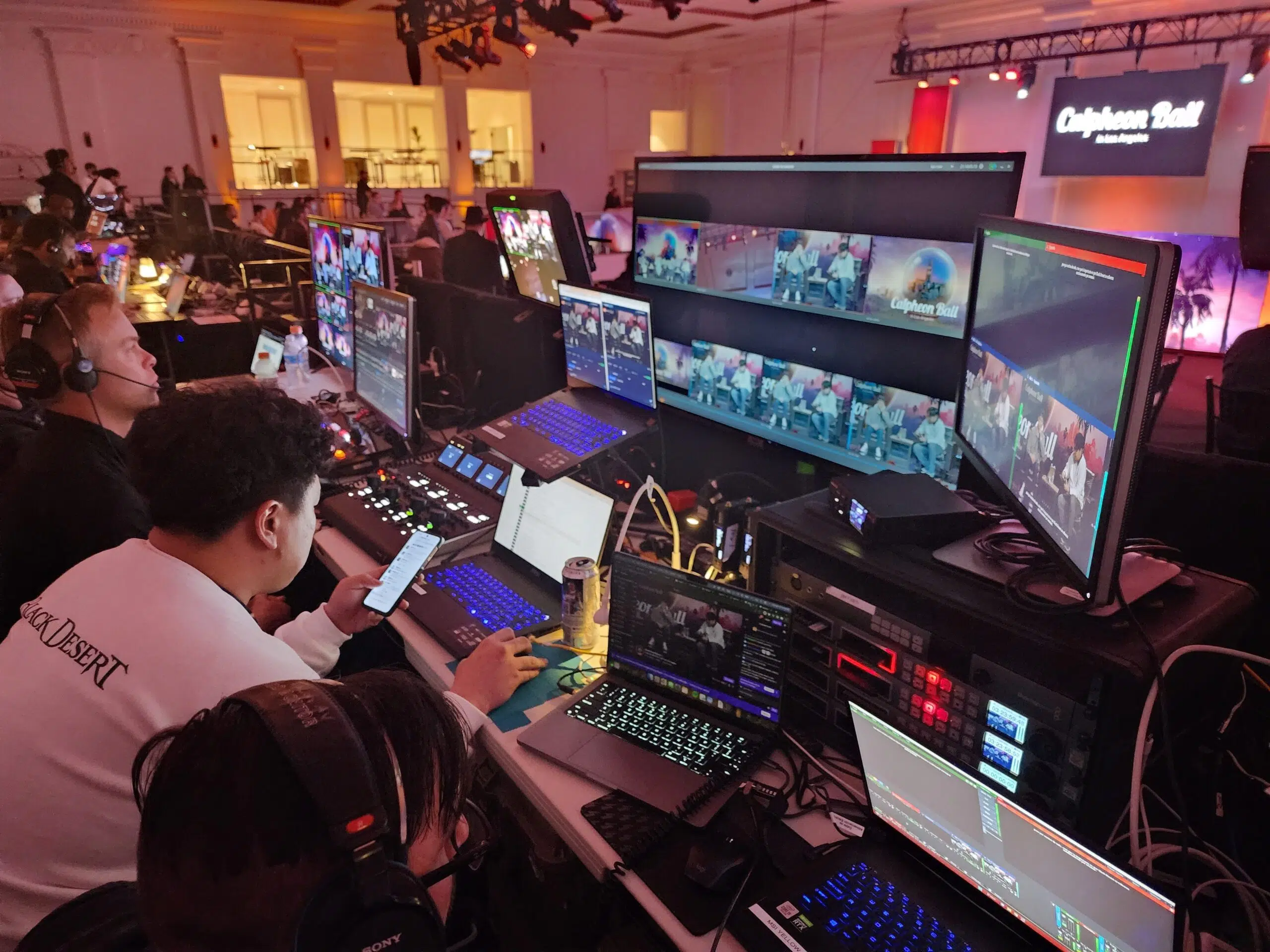
This builds the story. The editors check the video’s flow. Professionals edit videos with tools like Final Cut Pro or Adobe Premiere Pro. Transitions are added to connect scenes. Sometimes, editors also add basic titles or graphics.
-
Sound Editing
After video editing, sound editing takes place. Good sound is very important. It keeps the viewer focused. Editors remove background noise. They make sure voices are clear.
If needed, they add sound effects. Sound must match the video perfectly. Audio editors also balance the volume. The team ensures every sound is clear and not overpowering.
-
Adding Music
Music makes a video more emotional. It sets the mood. Happy music creates joy. Slow music creates sadness or tension. Music is chosen based on the video’s style.
Some creators use royalty-free music. Others may hire a composer. The editors have to be careful that the music avoids overpowering the sound effects or voice.
-
Adding Voice to the Video
Some videos need a voice-over. This means someone explains the video while it plays. The voice must be recorded in a studio or quiet space.

The recording must be clean. The editor adds this voice to the timeline. It must match the visuals. The voice helps the viewer understand the message.
-
Improving Colour Correction
Colour correction makes the video look more natural. Sometimes, camera footage looks dull. Editors fix brightness, contrast, and shadows. This makes the video more beautiful.

Colour grading is also used. This gives the video a specific tone or style. For example, horror films use dark tones. Romantic videos use warm colours. This step improves the video’s mood.
-
Visual Effects
Some videos need extra effects. This includes animation, explosions, or green screen editing. These are called visual effects, or VFX.
They are added using special software like After Effects. VFX makes videos more exciting. They are mostly used in movies, ads, or music videos.
-
Titles and Graphics
Titles tell viewers the name of the video. Lower thirds show a person’s name or role. Graphics include logos or text on the screen.
These must be clear and match the video style. Editors add these using editing software. Good titles make the video look professional.
-
Subtitles and Captions
The subtitles help readers to better understand every perspective conveyed. For viewers who either speak another language or are deaf, they are essential.
Captions also list background noise or sound effects. Editors use tools to add these at the right time. Like YouTube, many sites depend on subtitles for easy access.
-
Review and Feedback
It has to be reviewed before the video is final. The client or director watches the draft. They give notes. Editors make changes based on that feedback. This step may happen many times. Before sharing the video, it needs to be perfect.
-
Final Export
After all changes are made, the video is ready. Editors export the final version. The exporting process keeps the video in a specific form.
The style relies on the context of the video display. It could relate to YouTube, TV, or social media. The file must be high quality and the right size.
What Are the Tools Used in Post Production?
Post production needs the right tools. Editors use different software for each step. Editing calls for DaVinci Resolve, Premiere Pro, and Final Cut Pro, among other tools.
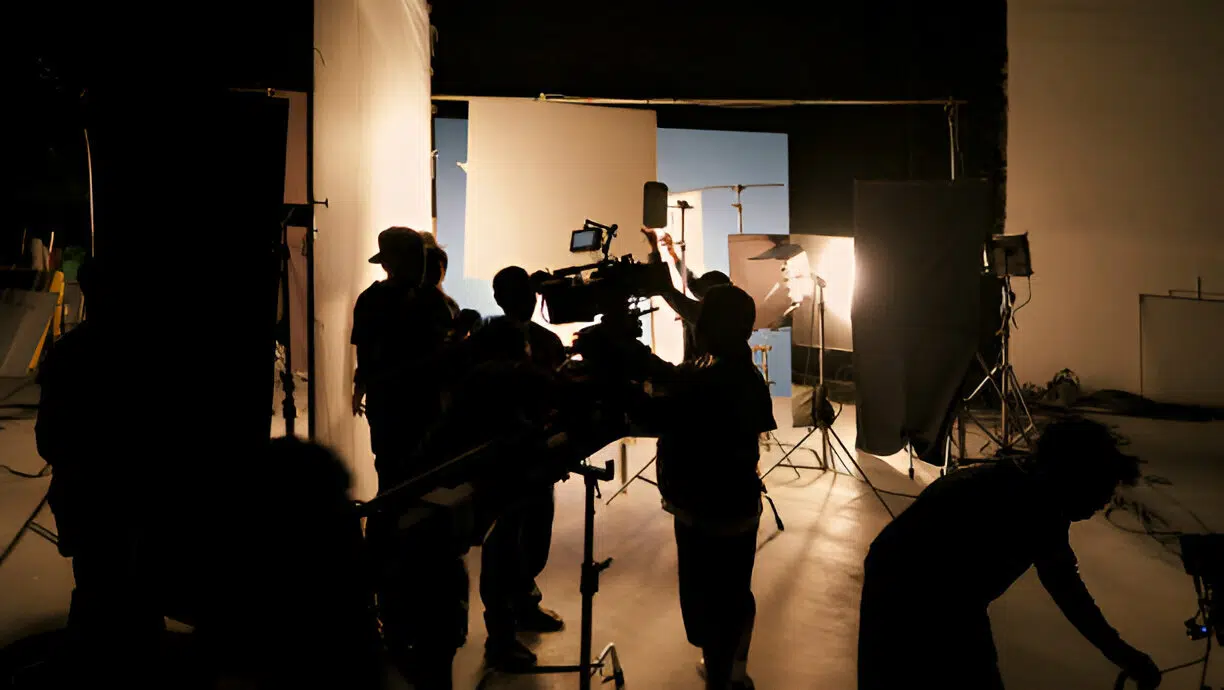
Editors select programs like Audacity and Adobe Audition for sound. For VFX, they use After Effects. Each tool helps improve the video. A good editor knows how to use many of them.
Time Required for Post Production
Post production takes time. A short video may take a few days. A longer video or movie may take weeks or months. It depends on the video’s length and complexity.
More effects and edits mean more time. Planning helps reduce the time needed. Having clear goals also helps the editor work faster.
Common Mistakes in Post Production
Some editors make mistakes in post production. One mistake is using too many effects. This can distract viewers. Another mistake is ignoring sound quality.
Bad sound makes people stop watching. Poor colour grading can also ruin the video. Editors must focus on balance. They should not overdo anything.
Post Production for Different Types of Videos
Post production is used in many video types. For films, it includes editing, sound, and VFX. For ads, it includes graphics and music.
YouTube videos include cuts, titles, and colour correction. Each type of video has its own needs. Editors must understand the goal of the video. This helps them edit in the right style.
Cost of Post Production
Post production can be expensive. The cost depends on the length and detail. More editing and effects cost more. Hiring a team also costs more than using one editor.

Some software also needs licenses. Small creators use free tools. Large companies invest in top tools and skilled teams. Planning a budget helps control costs.
Wrapping Up
Video post production is the final and most important step in making a video. It turns raw clips into a complete story. Editing, sound, music, and effects all happen during this stage.
Without post production, videos look unfinished. This brings style, passion, and polish. Post production brings out a little clip as much as a whole movie.
It’s right here where technology and imagination combine to produce a strong finished result.
FAQs
Who is involved in the post production team?
The production team consists of colourists, VFX artists, sound editors, video editors, and occasionally a producer or director.
What kind of work is included in post-production?
Post-production includes colour correction, adding music, and scene editing for a movie edit.
Why do we call the editing stage post-production?
Post-production is the term used as it follows the completion of filming or shooting.
Who plays the main role in video post-production?
Even though the full post-production team shares the job, but the editor is mainly in charge.
Are actors involved after the filming is finished?
Usually, actors do not work during post-production. They occasionally could come back to record ADR (fix dialogue) or voice-overs.